
Image Effects
Apply colour, brightness and contrast effects to your grid without touching the originals.
Example 1: Redscale Effect
Redscale filterNon-destructiveGrid-wide
Red-channel filter applied to the whole grid. Great for lookbooks and editorial galleries.



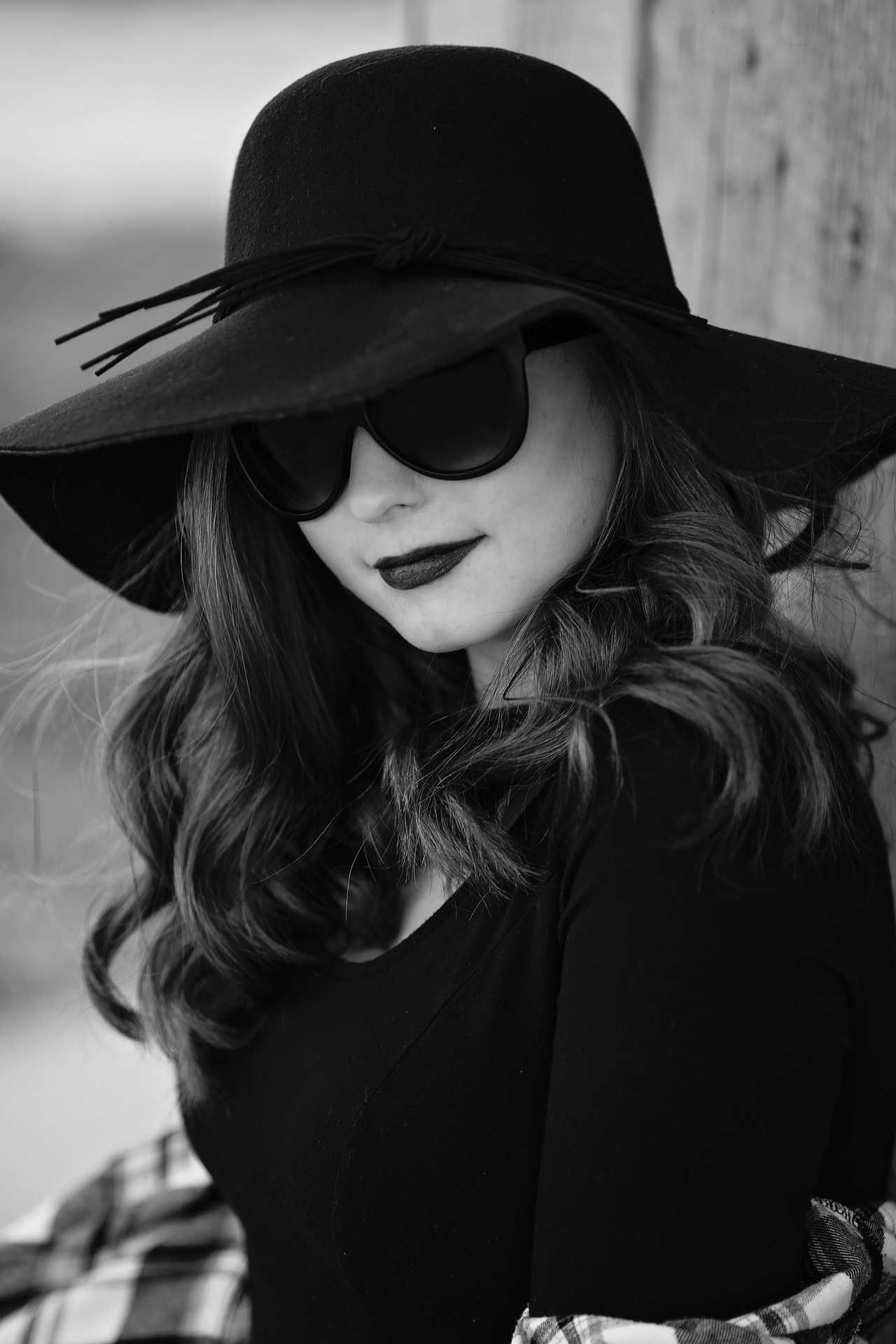
Example 2: Grayscale Effect
GrayscaleColour on hoverEditorial feel
Classic desaturation. Hover a tile to reveal the image in full colour.

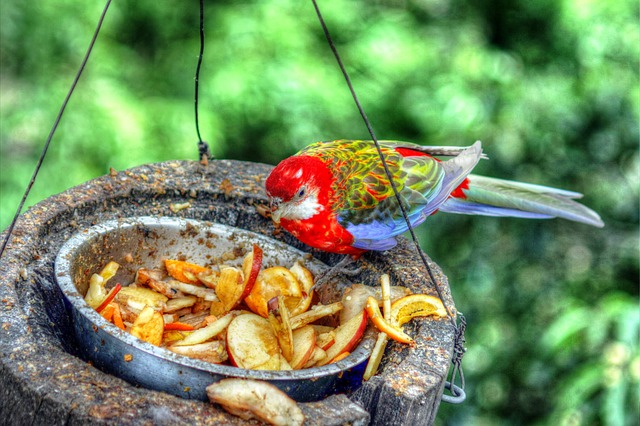

Example 3: Invert Effect
InvertHigh contrastDesign grid
Inverted colour effect. Useful for high-contrast design systems.
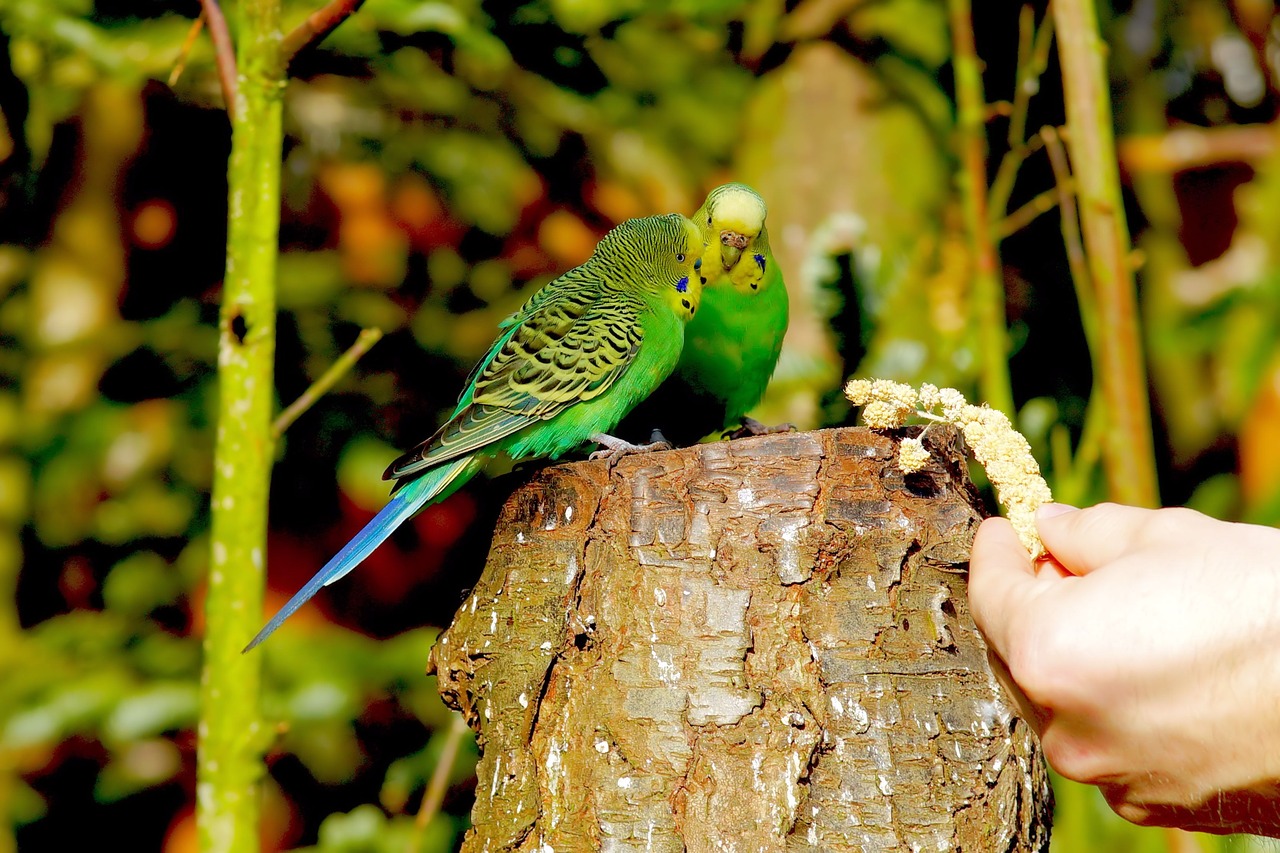
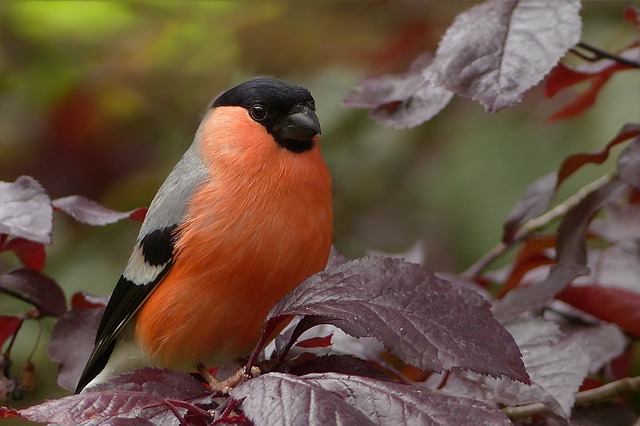
Example 4: Contrast and Brightness
ContrastBrightnessCombined
Combine contrast and brightness in one step. Tune both from the settings panel.
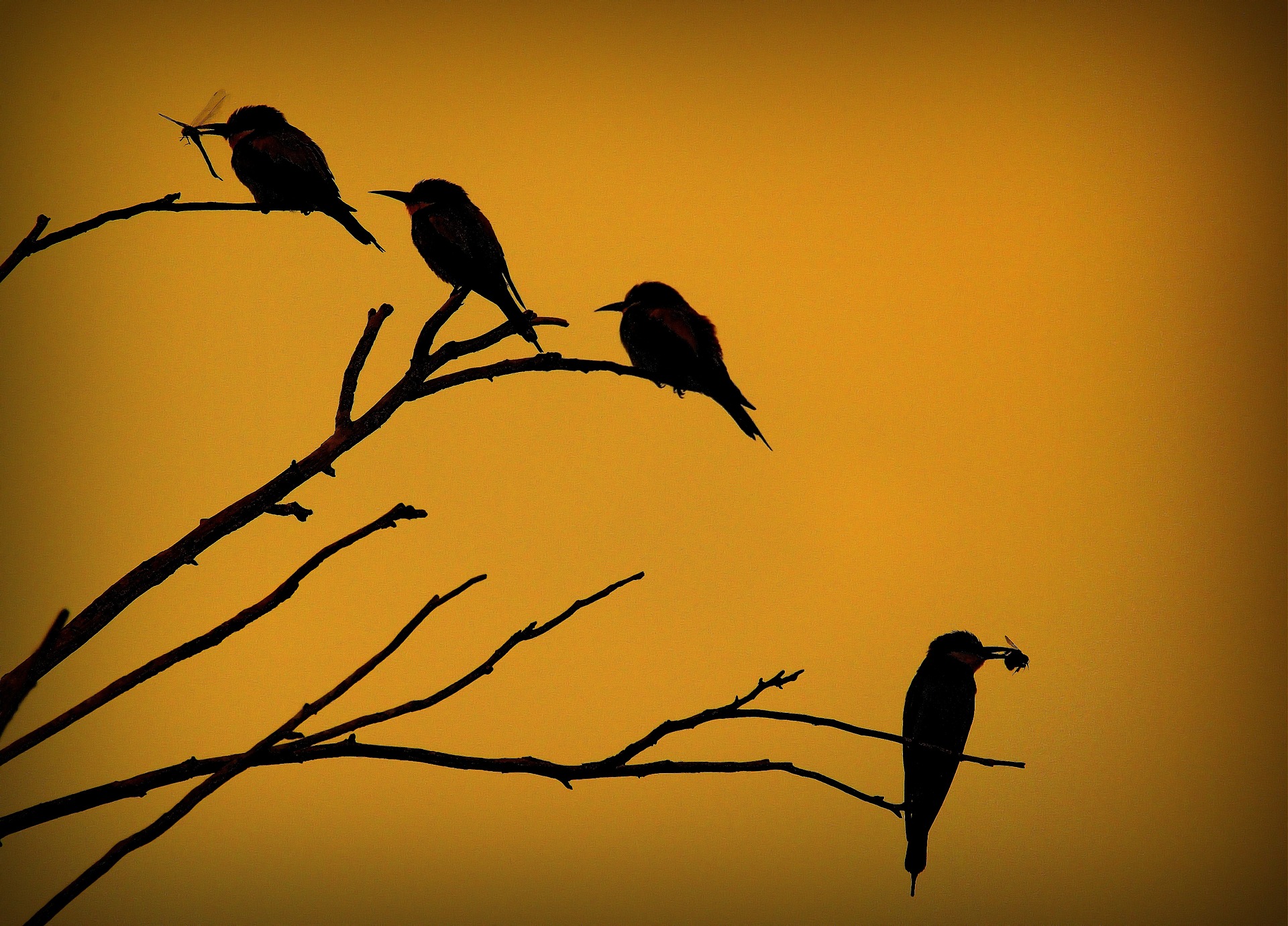
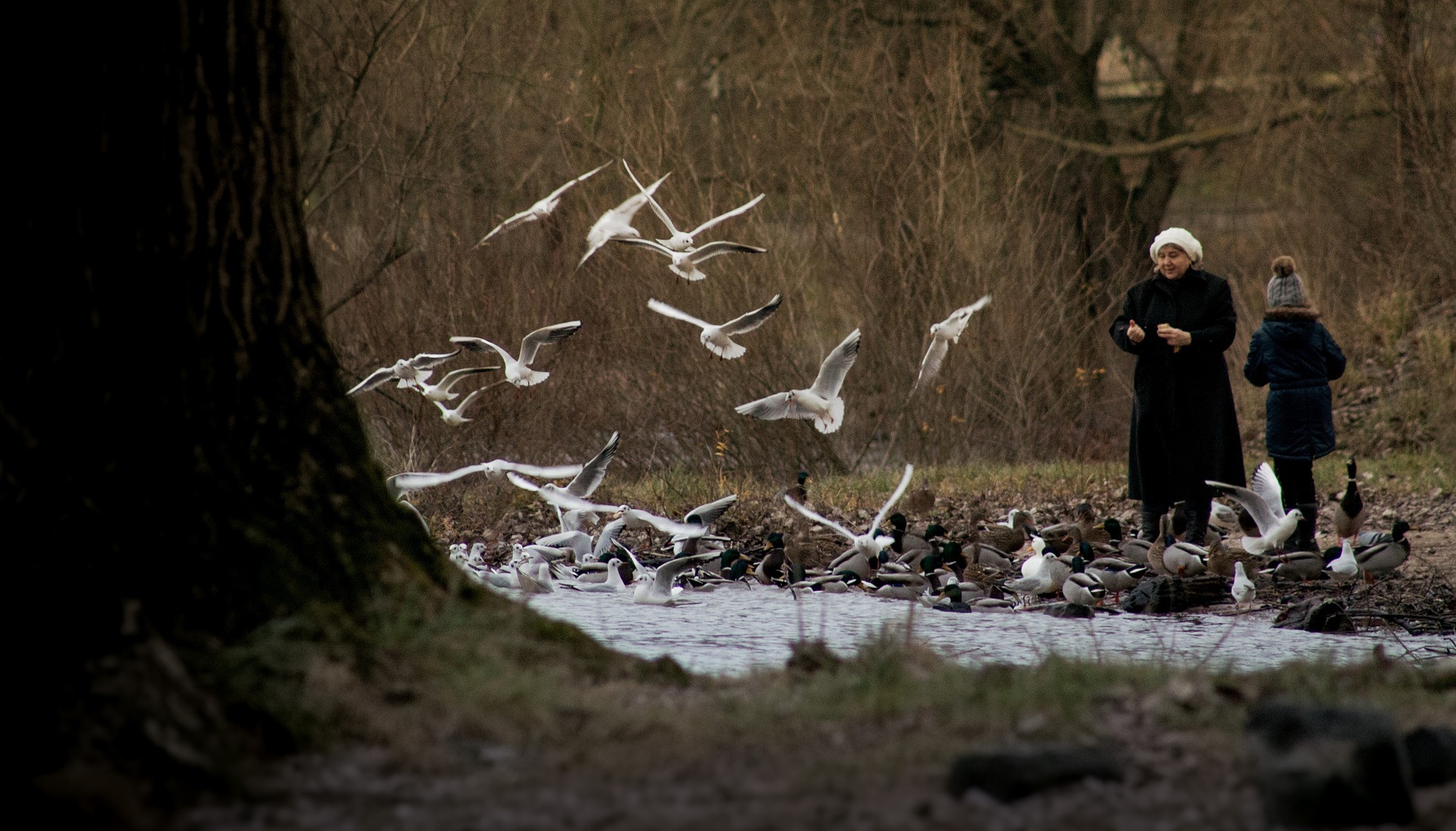

Example 5: Brightness Effect
BrightnessSoft liftProduct ready
Gentle brightness lift. Ideal for product photography on darker backgrounds.
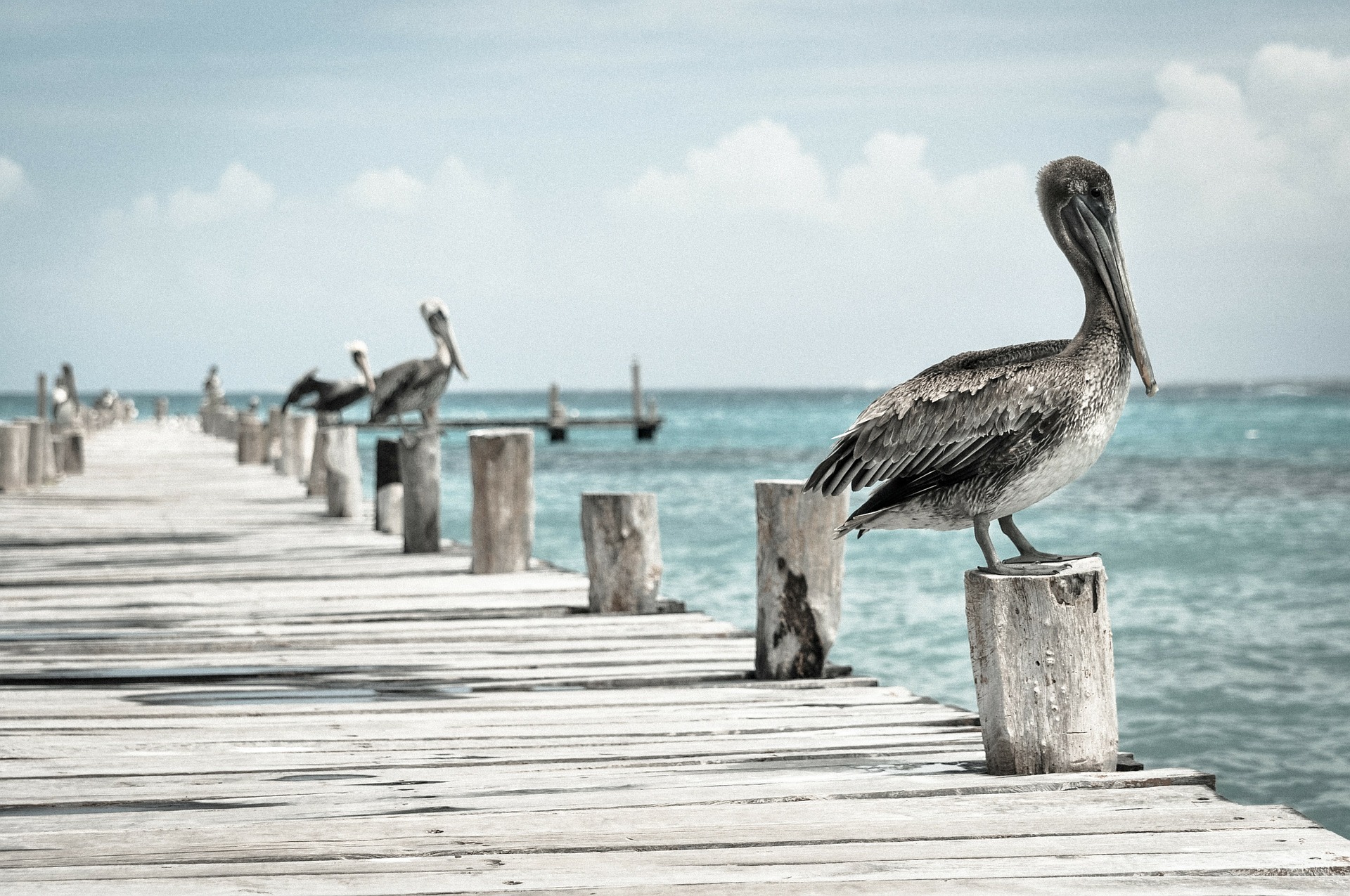

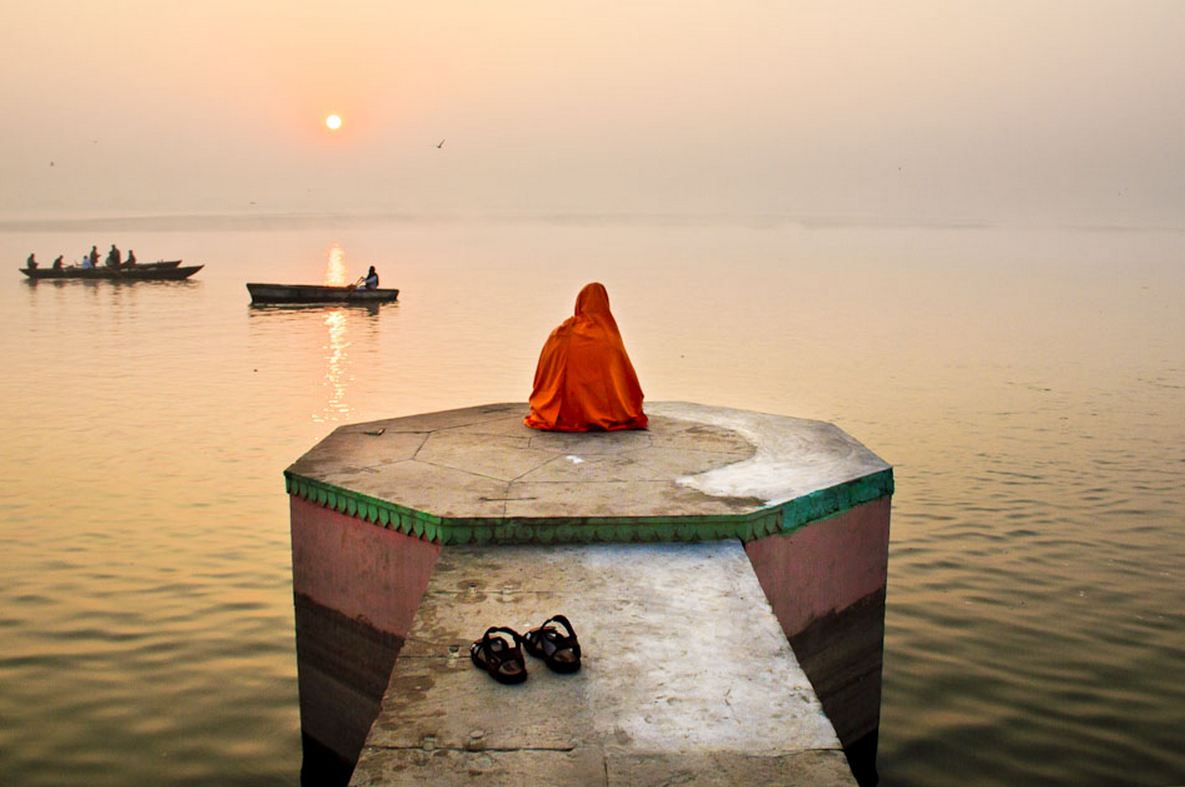
Filter, don’t edit
All effects are rendered at display time. Your originals stay untouched in the media library.